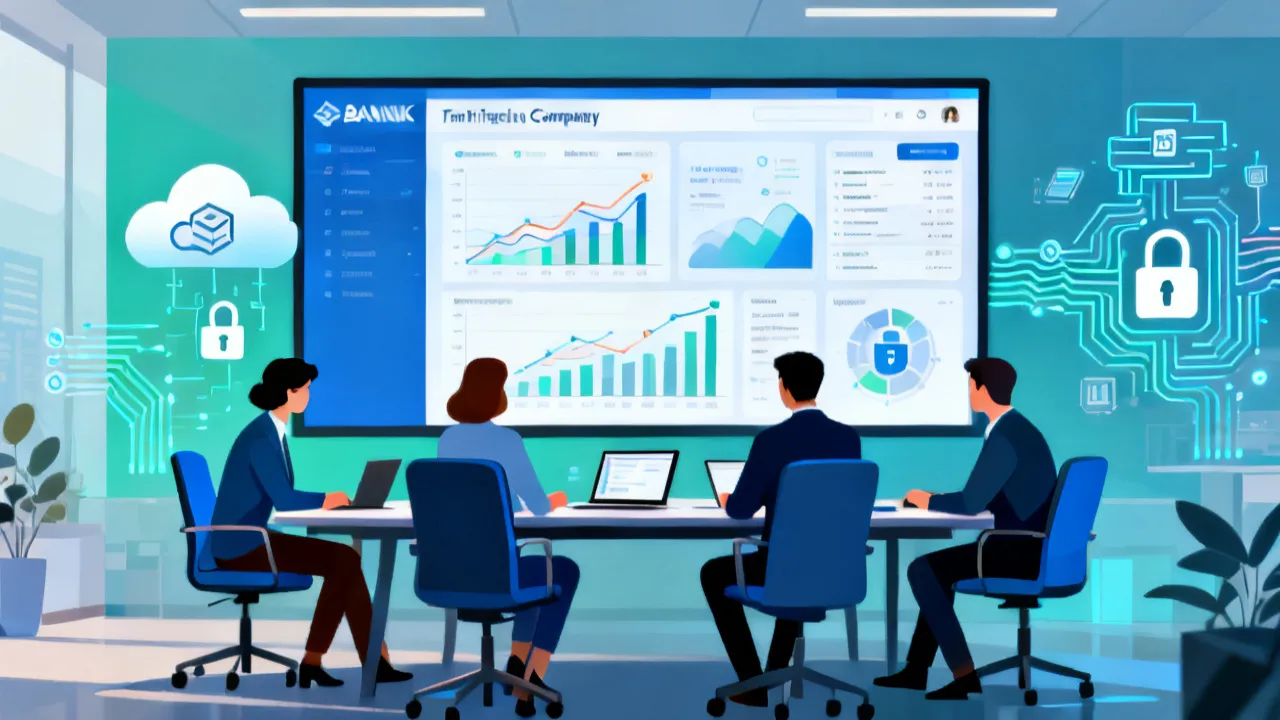
Streamlining Finances with Avidxchange QuickBooks
This guide explores the integration of Avidxchange with QuickBooks, emphasizing its significance in modern financial management. Avidxchange provides automated accounts payable solutions, while QuickBooks offers comprehensive accounting capabilities. Together, they form a robust platform to optimize financial processes, improving efficiency and accuracy. Understanding this integration is crucial for businesses aiming to streamline their operations.

Understanding Avidxchange and QuickBooks Integration
In today's fast-paced business environment, efficiency and accuracy in financial management are crucial. Businesses continually seek robust solutions to streamline their operations, and the integration of Avidxchange with QuickBooks offers an effective pathway to achieve this goal. Avidxchange is renowned for its automated accounts payable solutions, while QuickBooks is a powerhouse in accounting software. When these two platforms collaborate, they provide a comprehensive solution that enhances financial workflow.
The Basics of Avidxchange
Avidxchange is a leader in automating the accounts payable process. Its solutions are designed to help businesses reduce the time spent on manual data entry and paper invoicing, fostering a more efficient AP process. Through automation, Avidxchange allows for faster approval cycles, better visibility, and significant cost savings, effectively transforming how companies manage their finances. With features that include invoice capture, automated workflows, and approval routing, Avidxchange empowers businesses to manage their accounts payable with increased speed and accuracy.
Beyond mere automation, Avidxchange also emphasizes security and compliance, which is especially important in an era when financial fraud is prevalent. Businesses can set customizable workflows to align with their internal controls, ensuring that invoices are only approved when they meet specified criteria. This dual focus on efficiency and security is one of the reasons Avidxchange has become integral to the financial operations of numerous small to medium-sized enterprises (SMEs).
Why Choose QuickBooks?
QuickBooks offers a wide range of accounting functions that cater to businesses of all sizes. It provides an extensive suite of tools designed for invoicing, expense tracking, payroll management, and financial reporting. With a user-friendly interface, QuickBooks simplifies the complexities of accounting, making it accessible even to those without a background in finance. This is particularly beneficial for small to medium-sized enterprises seeking a reliable financial management tool.
Moreover, QuickBooks also includes robust analytics capabilities. Users can generate detailed reports that highlight key performance indicators (KPIs) and financial trends, allowing for data-driven decision-making. Furthermore, its mobile application facilitates on-the-go financial management, providing business owners and financial managers with real-time access to their financial data anytime, anywhere.
Seamless Integration
The integration of Avidxchange with QuickBooks represents a strategic advantage, allowing businesses to manage their payments and accounting functions more effectively. This integration facilitates seamless data exchange between the two platforms, reducing errors and improving data accuracy. Businesses can enjoy a simplified workflow where invoices processed in Avidxchange are automatically transferred to QuickBooks, ensuring consistency and up-to-date financial records.
When setting up the integration, users can choose specific data points to sync, ensuring that only relevant information is moved between the two systems. For instance, invoice statuses, payment details, and vendor information can all be synchronized, creating a comprehensive view of the company's financial operations. This not only saves time but also enhances visibility across the financial landscape of the organization.
Benefits of Integrating Avidxchange with QuickBooks
- Enhanced Efficiency: Automating processes reduce manual work, allowing employees to focus on strategic tasks rather than mundane administrative duties. With streamlined workflows, employee productivity increases significantly, enabling teams to accomplish more in less time.
- Improved Accuracy: Data automatically flowing between systems reduces the likelihood of human error, ensuring accuracy in financial records. Avidxchange's rules-based engine helps to validate invoices before they are entered into QuickBooks, further mitigating errors at the source.
- Cost Savings: By minimizing manual processes, businesses can significantly cut costs associated with paper invoices and inefficient workflows. In addition to direct costs, there are ancillary savings from improved cash flow management and timely payment opportunities.
- Better Control and Visibility: The integrated platforms provide real-time insights into financial processes, allowing for timely decision-making. Users can track where invoices are in the approval cycle, gain insights into payment trends, and manage cash flow more effectively.
- Reduced Approval Times: The automated routing and approval workflows established in Avidxchange expedite the approval cycle, allowing for quicker payments to vendors, which can lead to improved vendor relations and potential discounts for early payments.
- Compliance Tracking: With integrated systems, businesses can easily maintain compliance with financial regulations by keeping accurate records and audit trails, which are crucial for both internal and external audits.
A Step-by-Step Guide to Integration
- Initial Setup: Begin by ensuring that both the Avidxchange and QuickBooks accounts are properly configured. This includes verifying access rights and ensuring that the latest versions of both software are being used to ensure compatibility.
- Configuration: Use the integration tools provided by Avidxchange to connect your QuickBooks account. Follow the guidelines to map out the data flow between both systems. During this stage, it’s essential to identify which fields in Avidxchange correspond to which fields in QuickBooks.
- Data Synchronization: Initiate a test run to ensure that the data transfers correctly between Avidxchange and QuickBooks. This should include testing a variety of invoice scenarios to validate that all potential use cases are addressed.
- Training: Ensure that the team is well-versed with the new integrated system through training sessions. Training should cover both systems extensively and emphasize how the integration enhances workflow.
- Continuous Monitoring: Regularly track the performance of the integration to identify any issues or areas for improvement. Setting up dashboards in both applications can help monitor key metrics associated with the integration.
- Feedback Gathering: Encourage employees to provide feedback on the integration process. Understanding user experiences can lead to further refinements and enhancements to the system.
- Updates and Maintenance: Keep up with software updates for both Avidxchange and QuickBooks as these companies frequently release features and patches that improve functionality and security.
Comparative Insights on Integration
| Feature | Avidxchange | QuickBooks | Combined Benefit |
|---|---|---|---|
| Automation | Automatic invoice processing and approvals | Automated expense tracking and reporting | Streamlined process with minimal manual intervention |
| Data Entry | Eliminates manual data entry for invoices | Simplifies transaction tracking | Reduces errors and increases accuracy |
| Reporting | Comprehensive accounts payable insights | In-depth financial analytics | Overall better financial insight for strategic decisions |
| Collaboration | Supports team collaboration through shared access | Allows multi-user access with customizable permissions | Enhanced teamwork with transparency in financial processes |
| Payment Processing | Facilitates electronic payments to vendors | Tracks payment history and manages cash flow | Immediate access to vendor payment statuses |
| Vendor Management | Centralizes vendor information for AP | Tracks vendor payments and histories | Improved vendor relationships and compliance tracking |
Frequently Asked Questions
- How does the integration impact the workflow?
The integration significantly enhances workflow efficiency by automating data transfer and reducing the need for manual data entry and reconciliation tasks. Employees can redirect their focus towards value-added activities like strategic planning and financial analysis. - Is there a minimum company size for using these platforms?
No specific size, but the integration is advantageous for small to medium-sized businesses looking to scale their operations with efficient financial systems. Larger enterprises can also benefit, especially those struggling with outdated or fragmented accounting processes. - What are the system requirements?
You'll need compatible versions of QuickBooks and Avidxchange. Ensure your systems meet these versions' specifications to facilitate smooth operation and integration. Both platforms typically provide comprehensive guidelines on system requirements on their respective websites. - Are there any additional costs involved?
Integration might involve setup fees, and there may be subscription costs for using Avidxchange and QuickBooks services, depending on the selected packages. It is advisable to assess the total cost of ownership before proceeding with the integration.
Implementation Considerations
When implementing the Avidxchange and QuickBooks integration, there are several considerations to keep in mind. One critical factor is selecting the right people to lead the integration process. Having a mix of IT personnel and finance team members can ensure that both systems integrate smoothly while maintaining financial integrity.
Another essential aspect is to develop a change management strategy. Employees often resist new systems due to the fear of the unknown. Providing ample training and offering support during the integration helps to alleviate concerns and ensures a smoother transition. Effective communication is key; keeping employees informed about the integration process and its benefits can foster acceptance and enthusiasm.
Maximizing the Integration Benefits
After the integration is complete, businesses can take additional steps to maximize its benefits. Regularly revisiting and updating the workflows in Avidxchange can keep the system aligned with evolving business needs and compliance regulations. Additionally, taking full advantage of QuickBooks' reporting tools can provide insights into cash flow and financial efficiency.
Utilizing dashboards that visualize key performance metrics can also streamline decision-making processes. For many businesses, setting specific goals related to invoice processing times or reducing errors can help track the integration's effectiveness and pinpoint areas for further enhancement.
Conclusion
In conclusion, the marriage of Avidxchange and QuickBooks is a masterstroke in simplifying financial management. By leveraging their integrated capabilities, businesses are better poised to navigate the complexities of modern financial landscapes, ensuring accuracy, efficiency, and scalability. For organizations committed to transforming their financial operations, embracing this integration is not just beneficial but essential.
Ultimately, businesses that invest in the Avidxchange and QuickBooks integration will not only enhance their current financial management processes; they will also lay the groundwork for future growth. As market demands continue to evolve, having a flexible, integrated solution enables companies to adapt quickly, respond to changes, and remain competitive in their respective industries.
Moreover, as businesses grow, the scalability of both Avidxchange and QuickBooks ensures that they can handle increased transaction volumes without compromising efficiency or accuracy. By staying proactive about technology and integration, companies position themselves not just for survival, but for thriving in an ever-changing economic landscape.
-

The Ultimate Guide to Train Tours: Affordability and Value
-
Mastering Digital Marketing: Essential SEO Skills You Need
-
Enhancing Mobility with Portable Stairlifts: A Comprehensive Guide
-
Cash Management Services for Corporates: A Practical Guide
-
Cash Management Services for Corporates: A Practical Guide